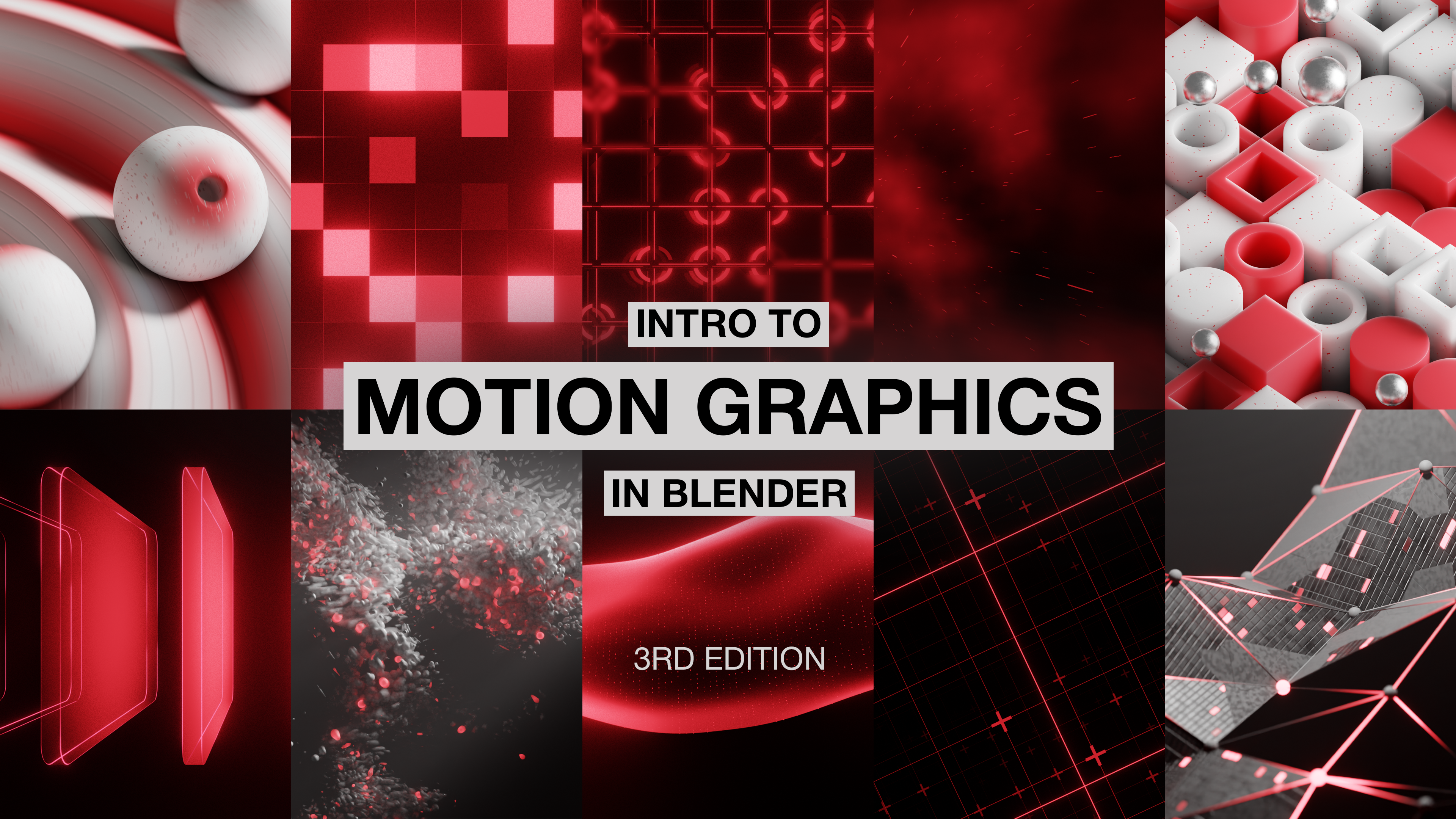
This is a 8.5 hour course that will teach you how to use the tools in Blender to make motion graphics.
Difficulty level - Intermediate
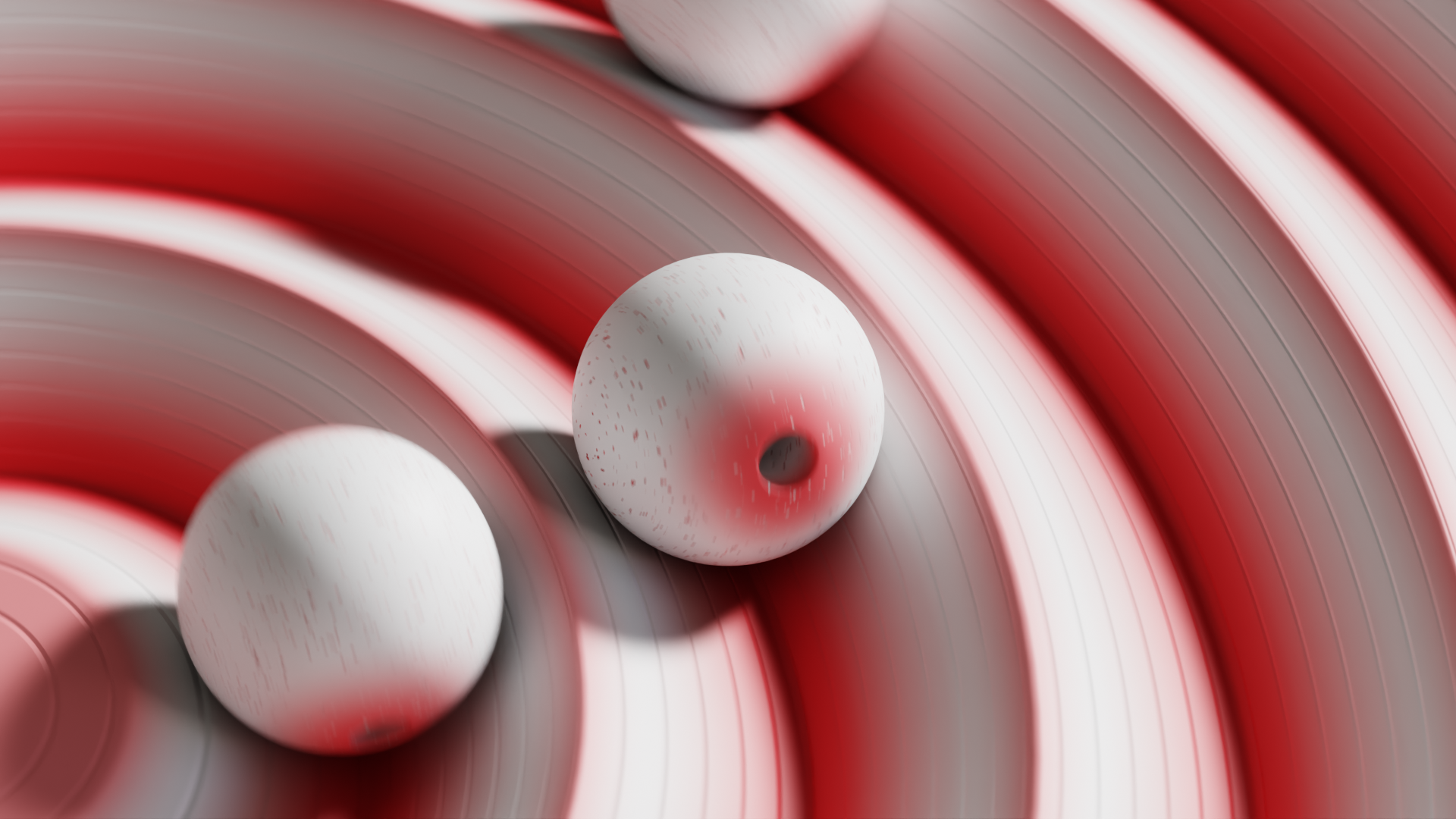
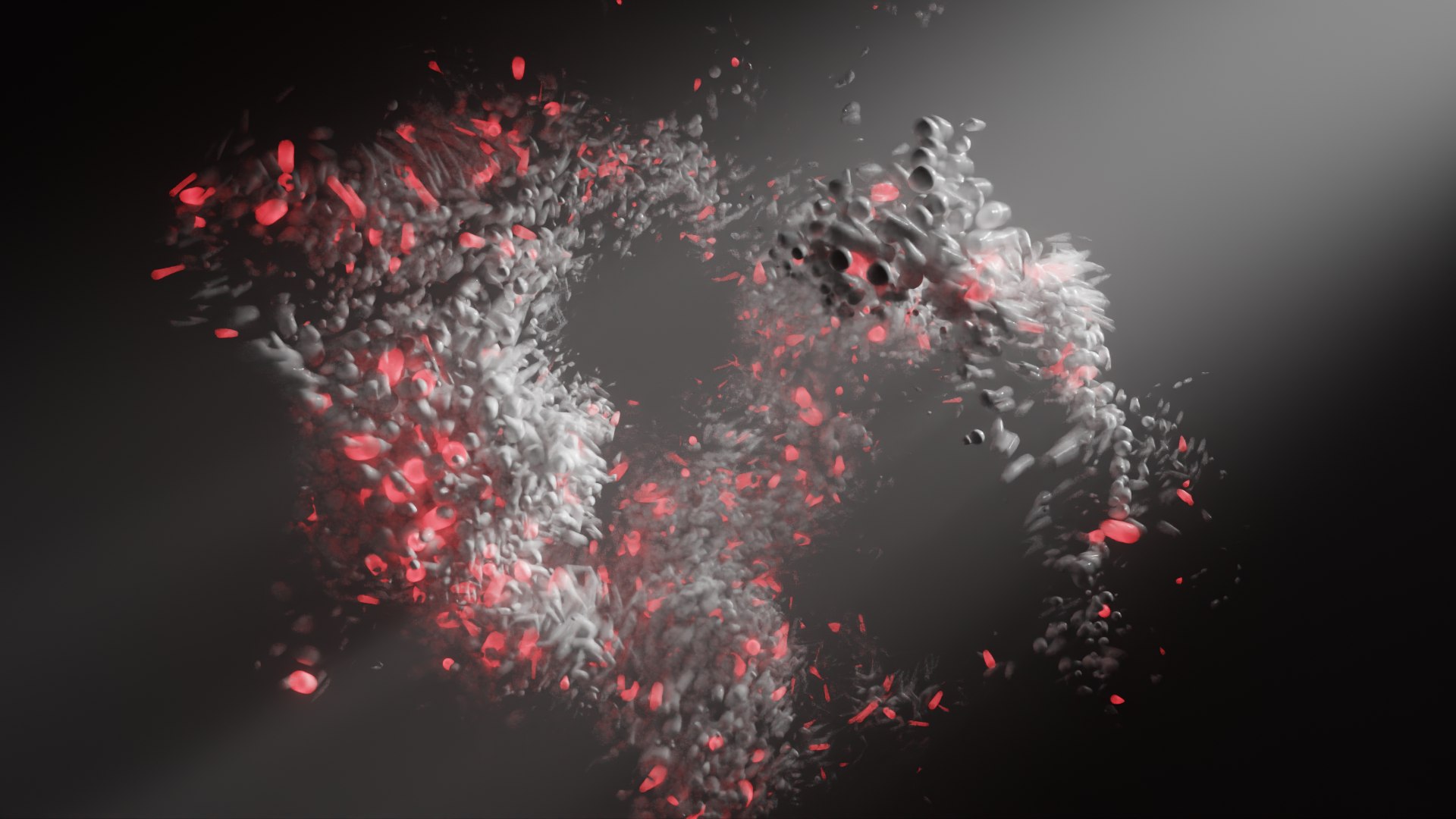
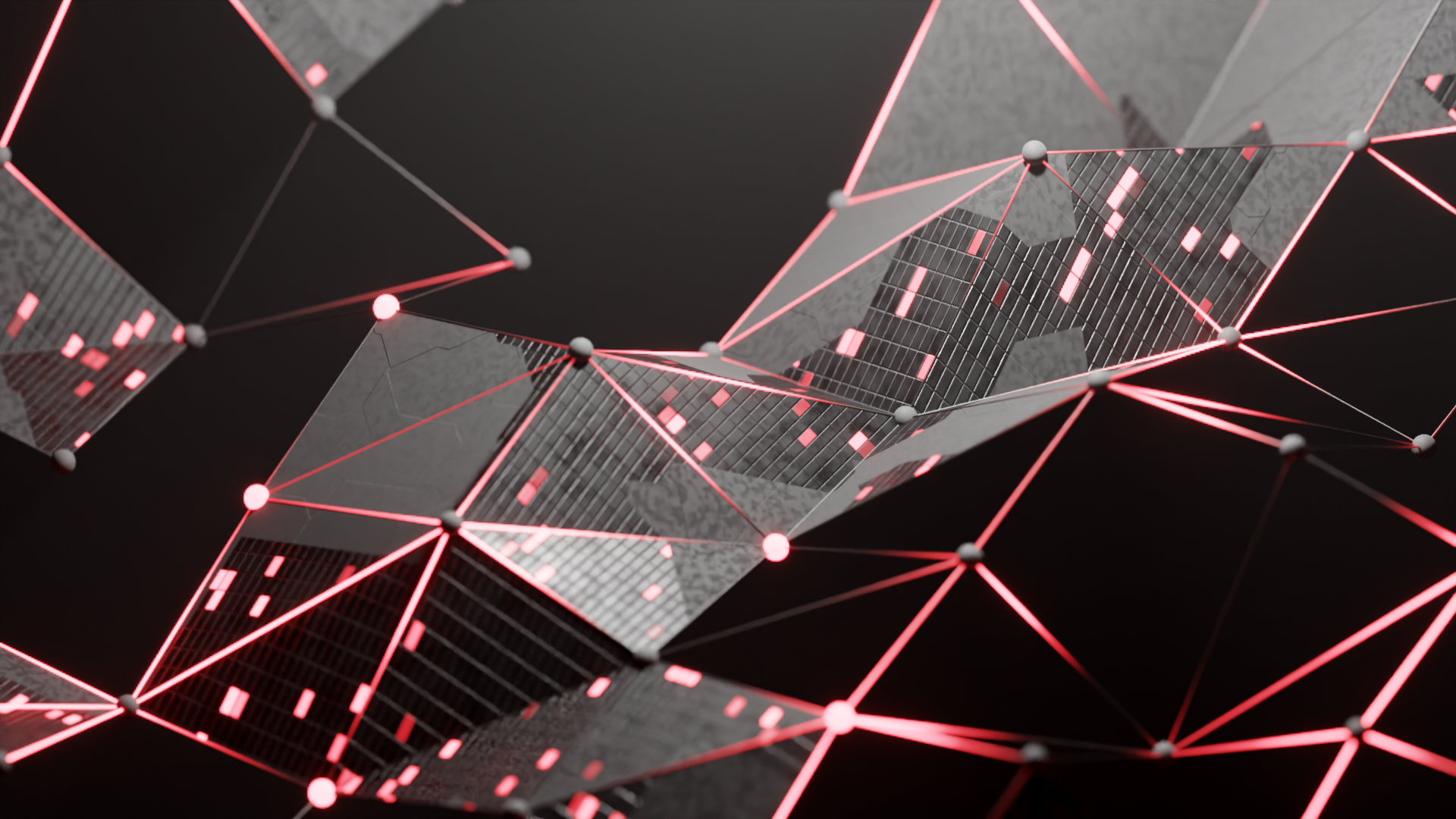
The Mindset
Blender does not have a dedicated “Motion Graphics” workspace like You see with modeling, sculpting, or shading. Learning how all of them can be combined to make animations is what makes a proficient motion designer.
This course will teach you that!
The Lesson Plan
Intro + Important Settings
Available in
days
days
after you enroll
How Values Are Used
Available in
days
days
after you enroll
How To Make + Use Masking
Available in
days
days
after you enroll
The Math Lesson!
Available in
days
days
after you enroll
How Everything Seamlessly Loops
Available in
days
days
after you enroll
Intro To Geometry Nodes
Available in
days
days
after you enroll
Modular vs Procedural Workflow
Available in
days
days
after you enroll
Animation 1
Available in
days
days
after you enroll
Animation 2
Available in
days
days
after you enroll
Animation 3
Available in
days
days
after you enroll
Procedural Texturing
Available in
days
days
after you enroll
Animation 4
Available in
days
days
after you enroll
Animation 5
Available in
days
days
after you enroll
Animation 6
Available in
days
days
after you enroll
Animation 7
Available in
days
days
after you enroll
Animation 8
Available in
days
days
after you enroll
Animation 9
Available in
days
days
after you enroll
Animation 10
Available in
days
days
after you enroll
The End
Available in
days
days
after you enroll
DISCALMER
This is not an intro to blender course, this is meant for intermediate users who have a basic understanding of blender, as long as you have watched something comparable to the Blender Guru Doughnut course, you will have no problems following along with this course.
The First Half
The first half of the course will teach you every technique and concept you need to understand how technical animations are made. We will learn things like how math nodes are used, how to use values creatively, masking, geometry nodes and more.
The Second Half
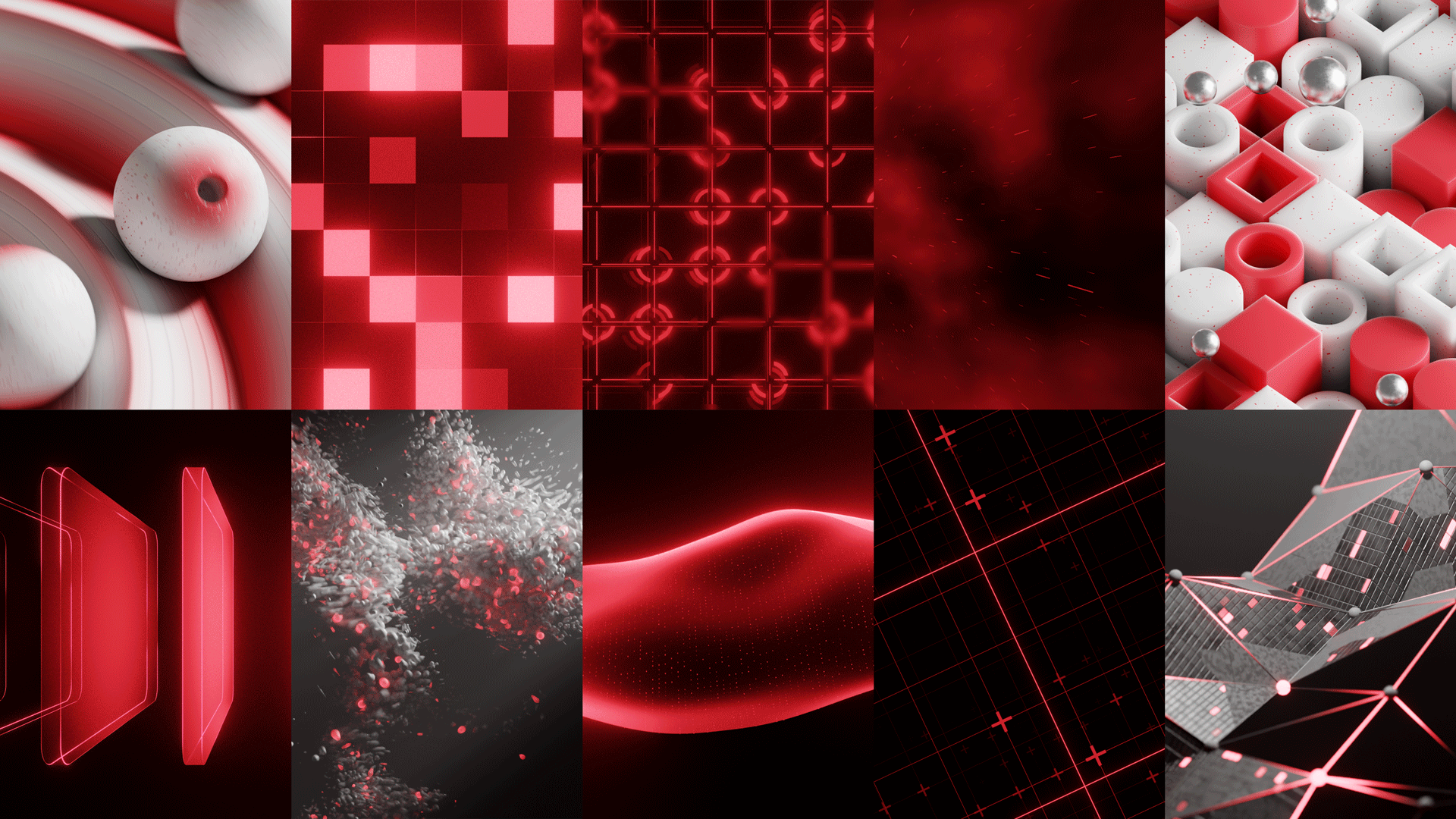
The second half will apply everything we learned in the first half to 11 practical application lessons. Each animation will build upon knowledge so that you will remember how these Systems work.